
Bitwarden Review
Worth it in 2026 if you want an auditable vault at a published price. Premium undercuts the polished rivals, and Teams leaves self-hosting and SSO on Enterprise.
Bitwarden is worth it in 2026 when a security team wants a vault it can audit, at a price it can defend in a budget review. Premium is $1.65 per month, billed annually at $19.80 a year.
Teams is $4 per user per month and Enterprise is $6 per user per month, both billed annually, verified on Bitwarden's pricing page in September 2026. The free plan still stores unlimited passwords on unlimited devices, so you can wait to pay for an authenticator in the vault.
Self-hosting and passwordless SSO sit on Enterprise, not the cheaper Teams seat, so Teams is the wrong quote. Buyers who want a Secret Key and tighter admin polish should read the 1Password review before they standardize.
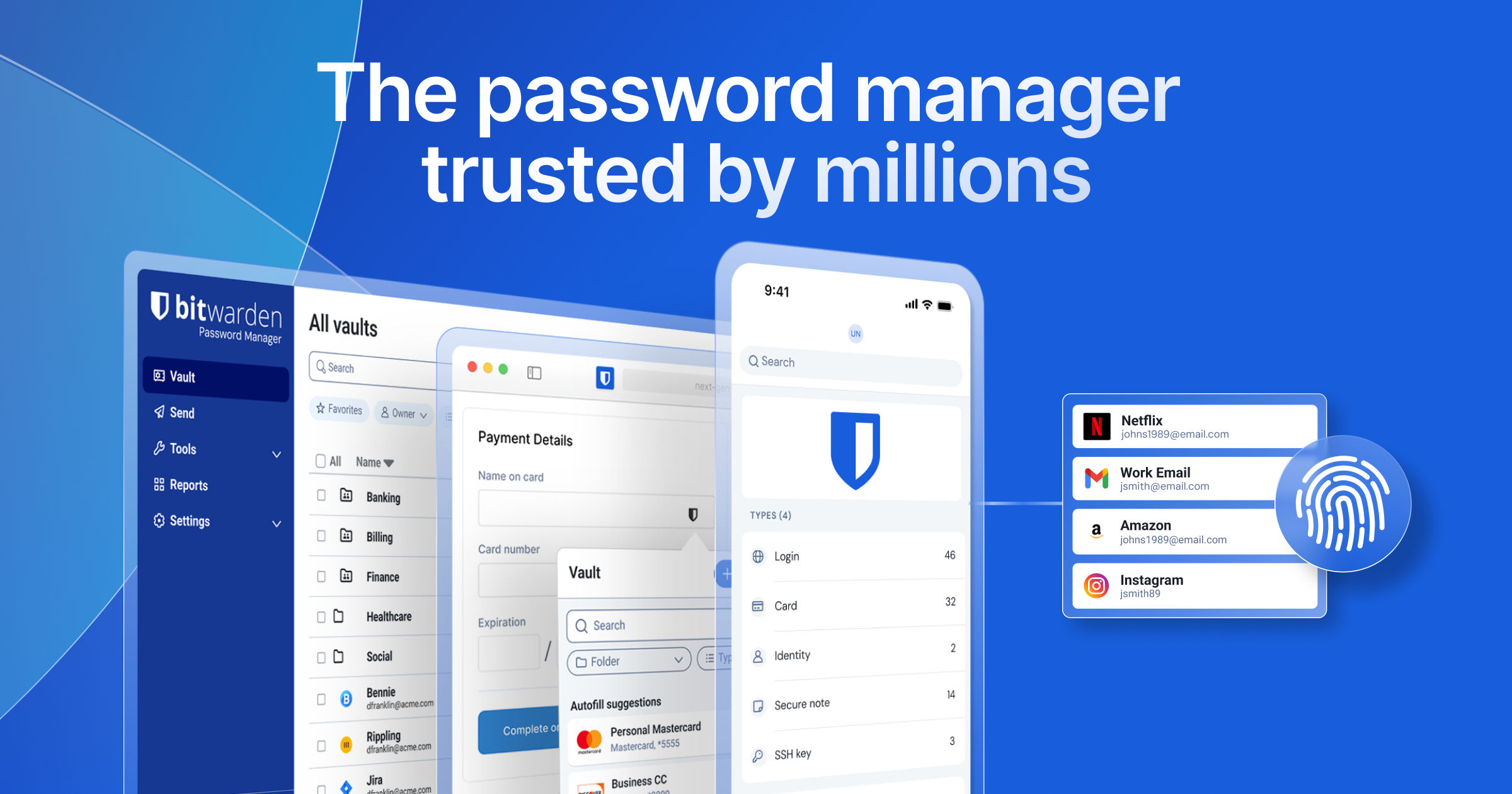
Bitwarden is the password manager security leads recommend when the alternative is a spreadsheet, a browser, or a premium vault the finance team will question. The buying question is whether Teams is enough, or whether SSO and self-hosting push you onto Enterprise and a higher seat.
This review prices every Bitwarden tier, then sets it next to 1Password, Proton Pass, Dashlane, NordPass, and Keeper.
Toolradar data: the September 2026 password-manager ranking evaluated 37 products, and Bitwarden is one of them.
Our cybersecurity statistics counted 651 live security tools in that directory on August 18, 2026.
How we compared: vendor pricing and product pages read on September 23, 2026, with Keeper's business rates taken from Keeper's own July 2026 plan guide. No vendor paid for a place in this review.
What is Bitwarden?
Bitwarden is a password manager from Bitwarden, Inc., founded in 2016 and headquartered in Santa Barbara, California. The company says it serves more than 15 million users and over 80,000 businesses, which is what you cite when someone asks if the vendor will last.
The product stores logins, passkeys, notes, cards, and identities in a zero-knowledge vault that syncs across browser extensions, desktop apps, and phones.
Vault data is encrypted with AES-CBC 256-bit, and the key is derived with PBKDF2 SHA-256 or Argon2, salted with the account email on the device before anything is sent.
Bitwarden publishes the client and server source on GitHub and invites outside review, so a team that will not trust a closed vault can read the code.
On its compliance page it lists ISO 27001, SOC 2, SOC 3, HIPAA, and GDPR, the claims a questionnaire will ask you to attach. They are Bitwarden's own statements, not an audit we reran.
Every free account includes a password generator, passkeys, email-alias integration, encrypted export, and Bitwarden Send, so daily use does not require a card. Premium adds the integrated authenticator, health reports, emergency access, and attachments.
Teams adds organization ownership, event logs, directory sync, and SCIM for joiner and leaver work. Enterprise adds passwordless SSO, enterprise policies, Access Intelligence, and self-hosting, so an ordinary control can move you up a tier.
Secrets Manager is a separate product for pipeline secrets and machine accounts, covered in our secrets management tools guide.
How Bitwarden works
A personal setup is an account, a master password, and the extension. The extension offers to save and fill logins, and the generator can replace a reused password while you are already on the site, which is when a reused password gets replaced.
Passkeys can live in the same vault, so a phishing page that asks for a password is no longer the only way in. Every plan includes built-in phishing protection, a layer on the habits in how to prevent phishing attacks, not a substitute for them.
Day to day, the free vault is a complete password store, so a solo user with a separate authenticator can stop before paying. It does not grade the vault or generate TOTP codes for other sites, and those jobs sit on Premium with emergency access and file attachments.
If your standard is a separate authenticator app, the free plan keeps the password manager and the second factor apart. Premium collapses them, which is faster and slightly worse isolation if the vault itself is what gets phished.
For a company, an admin creates an organization, invites seats, and shares items through collections. Teams can sync a directory and provision with SCIM, and event logs show who touched an item after someone leaves.
Account recovery lets an admin start the process without Bitwarden holding the vault key, on the plans that include it. A lockout does not become a request for Bitwarden to open the vault.
Bitwarden key features
Bitwarden pricing
Bitwarden prints list prices, so a budget meeting can cite a number instead of waiting on sales, and the free plan stays free.
Premium is $1.65 per month for one account, the personal price for health reports, emergency access, and attachments. Families is $3.99 per month, $47.88 a year, for up to six people, with Premium features on each account.
Teams is $4 per user per month and Enterprise is $6 per user per month, both billed annually, so you budget the monthly figure and pay once a year.
The January 21, 2026 plan update is what set the current personal rates. Bitwarden told existing Premium subscribers they would get a one-time 25% discount on the next renewal, then the standard rate.
If that renewal has already passed, budget the full price, because the discount covered one renewal and then ended.
Attachment storage on Premium is 5 GB for the person, and Families adds the same allotment for shared items. Extra storage is an add-on whose price is not on the plan card, so ask before you store files.
Secrets Manager is a second contract on top of the password seat. Secrets Manager Teams is $6.00 per user per month and Secrets Manager Enterprise is $12.00 per user per month.
Teams includes 20 machine accounts and Enterprise includes 50, then $1 for each extra machine account, and a fleet of scripts can outrun the human seats.
The table below is the same check against 1Password, Dashlane, Proton Pass, NordPass, and Keeper. 1Password's low personal rate is a first-year promo for new customers on 1Password.com, with a trial and no free plan, so budget the renewal year.
Extra Starter Pack seats are $4.99 per seat per month, up to 10 more, so growing past the pack has its own price.
Proton's Pass Plus annual figure is the November 7, 2024 public price, so confirm checkout before you treat it as current. NordPass quotes in euros, and Keeper's business rates come from its own plan guide, so check currency and freshness before calling either one cheaper.
| Plan | Price | Best for |
|---|---|---|
| Bitwarden Free | Free | Unlimited passwords and devices |
| Bitwarden Premium | $1.65/mo, $19.80/year | One person, TOTP, health reports, 5 GB |
| Bitwarden Families | $47.88/year for 6 | Six Premium accounts, unlimited sharing |
| Bitwarden Teams | $4/user/mo billed yearly | Logs, directory sync, and SCIM |
| Bitwarden Enterprise | $6/user/mo billed yearly | SSO, policies, self-host, Access Intelligence |
| Bitwarden Secrets Manager Teams | $6.00/user/mo | 20 machine accounts, then $1 each |
| Bitwarden Secrets Manager Enterprise | $12.00/user/mo | 50 machine accounts, then $1 each |
| 1Password Individual, promo | $2.99/mo billed yearly | New customers, first year, 1Password.com |
| 1Password Individual, regular | $3.99/mo billed yearly | Annual rate after the promo year |
| 1Password Families, promo | $4.49/mo billed yearly | 5 seats, first year for new customers |
| 1Password Families, regular | $5.99/mo billed yearly | 5 seats at the regular annual rate |
| 1Password Teams Starter Pack | $24.95/mo for 10 | $299.40/year, extra seats $4.99 |
| 1Password Business | $8.99/user/mo billed yearly | $107.88 per user per year, 14-day trial |
| Dashlane Omnix Password Management | $8/user/mo billed yearly | 14-day trial, Enterprise is a quote |
| Proton Pass Plus | $35.88/year | Public annual price, November 7, 2024 |
| NordPass Premium | From €1.23/mo (EU price; USD not published) | EU business plans from €1.79/mo |
| Keeper Business Starter | From $2/user/mo billed yearly | Keeper plan guide, July 2026, 5 to 10 users |
Bitwarden pros and cons
What we like
- Free plan keeps unlimited passwords, passkeys, and devices, with source on GitHub you can read before you standardize.
- AES-256 vault encryption, plus ISO 27001, SOC 2, SOC 3, and HIPAA on the compliance page, the packet a questionnaire expects.
- Teams includes event logs, directory sync, and SCIM without a sales call, so sharing can start before procurement.
What could be better
- Self-hosting and passwordless SSO sit on Enterprise, not Teams, so the lower seat is the wrong quote.
- Integrated TOTP, vault health reports, and emergency access require Premium, the upgrade an individual feels.
- Extra attachment storage past 5 GB is an add-on with no price on the plan card, so files can cost extra.
Who Bitwarden is for
Bitwarden fits a security team that wants the vault decision to be boring. Individuals who need passwords and passkeys on every device can stay free until they want a report or emergency access. A household of up to six people is the Families plan, one subscription instead of a renewal per person.
A company that can live with directory sync, SCIM, and event logs, and with Bitwarden hosting the server, is a Teams buyer.
Move to Enterprise for passwordless SSO, enterprise policies, account recovery, Access Intelligence, a sponsored Families plan for staff, or a server you run yourself. That is also the plan when residency rules out a vendor-hosted vault.
Skip Bitwarden when the client, the jurisdiction, or the job does not match. If adoption depends on a cleaner client than your users will tolerate, pay for 1Password and read the wider password manager comparison.
If the requirement is Swiss jurisdiction and hide-my-email aliases, Proton Pass is the closer fit, especially for people already in that ecosystem.
If the only goal is dark-web alerting, start with dark web monitoring tools rather than buying a vault for one report.
Teams that need SOC 2 evidence around the program, not only the vendor's certificate, still have to run the control themselves: see SOC 2 compliance automation.
Best Bitwarden alternatives
If Bitwarden is not the right fit, these are the closest options.
| Tool | Best for | Starts at | |
|---|---|---|---|
| Bitwarden | Security teams that want an auditable vault at a published seat price. | From $1 | Visit → |
| 1Password | Teams that will pay more for admin polish, SSO, and a Secret Key. | From $2 | Visit → |
| Proton Pass | Privacy-first users who want Swiss jurisdiction and hide-my-email aliases. | Free unlimited logins | Visit → |
| Dashlane | Companies buying a business vault with published Omnix package prices. | Omnix Password Management $8/user/mo billed yearly | Visit → |
| NordPass | Buyers comparing a euro list price and a 30-day money-back window. | EU list: Premium from €1 | Visit → |
| Keeper Security | Teams comparing Keeper's published business tiers with Bitwarden Teams. | Starter from $2/user/mo | Visit → |
The bottom line
Bitwarden is the default for a security buyer who will actually deploy a password manager, because the free plan is usable and the paid seats have numbers on the page. Standardize on it when public source and a low Teams price matter more than interface polish.
Pay for Enterprise, not Teams, if the requirements list says SSO, self-hosting, or enterprise policy, because those controls sit on the higher tier. Pay for 1Password if users will not adopt a plainer client and the Secret Key is the control you want to explain to an auditor.
Choose Proton Pass when jurisdiction and aliases outrank admin depth, and check NordPass or Keeper when a lower published starting rate is the whole decision.
The Cyberpresso brief is the daily version of this kind of control call. Subscribe free if you want the next pricing and breach note in the inbox rather than a one-off review.
Cite this: Cyberpresso, "Bitwarden Review 2026", September 2026.
Frequently asked questions
Get the Cyberpresso brief
Free daily newsletter, read in 5 minutes.
Subscribe free