
One Click in Untrusted VS Code Installs Persistent Spyware Microsoft Still Will Not Patch
A single click on a command link in VS Code's source editor can silently install a malicious extension that survives every later launch. Microsoft called it Moderate, declined a CVE, and left the latest stable build unfixed.

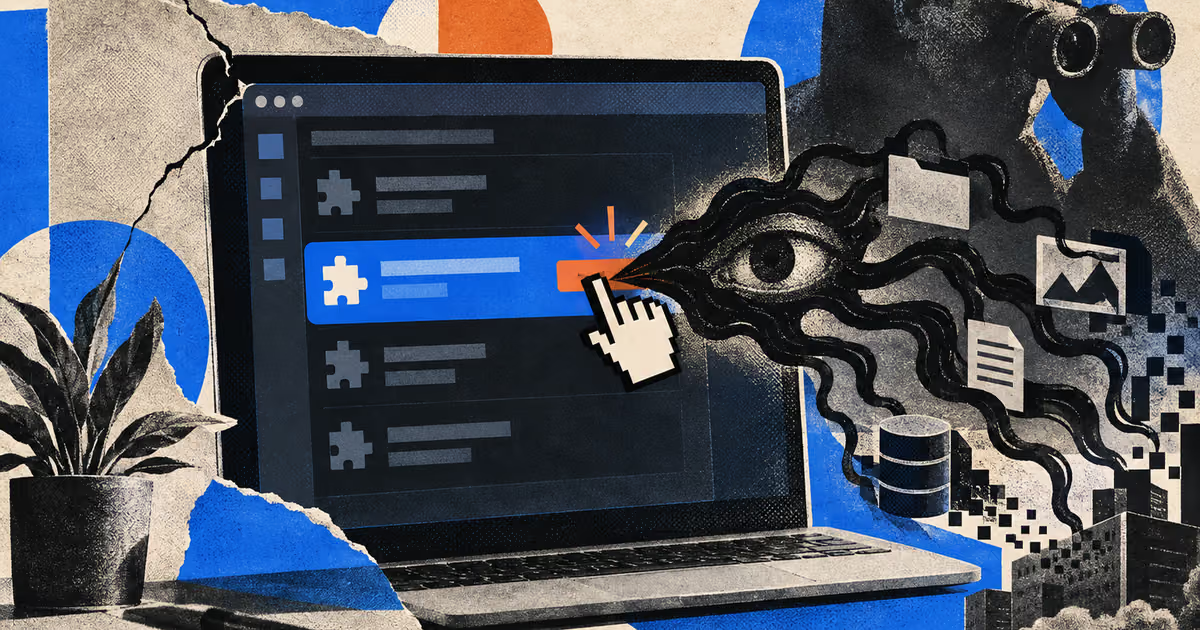
One click inside an untrusted VS Code folder can install spyware that keeps running after every later launch. Microsoft still will not patch it.
Remedio researcher Omri Dar showed that a command: link in the plain source editor can silently install a local malicious VSIX, according to his write-up on 17 September 2026. Microsoft issued no CVE and no security bulletin. Nobody has confirmed exploitation in the wild.
VS Code DocumentLink URLs in the source editor fire with allowCommands set to true and no Workspace Trust check. After CVE-2022-41034, Microsoft hardened Markdown preview so command: links are stripped there. The source editor path was left open.
The install command workbench.extensions.installExtension then accepts a local VSIX. If the package declares untrustedWorkspaces.supported as true, the soft trust prompt never appears.
The trap can present itself. A .vscode/settings.json with workbench.startupEditor set to readme opens the project README on folder open, and naming the file README.markdown (not README.md) routes it to the source editor instead of the hardened preview.
Remedio reported the chain to the Microsoft Security Response Center. Microsoft classified it as a Moderate Security Feature Bypass, declined a CVE, and said it duplicates an earlier submission. Remedio's suggested setting is editor.links set to false in User settings, so source-editor links stop being clickable, plus an audit of Extensions for any VSIX that was not installed on purpose.
Remedio says it still works on the latest stable release. The fully automatic version needs the attacker to know the victim's absolute folder path, and UNC network shares are blocked. A one-click local install on a workstation is the same class of risk as the Plugin4Shell zero-click AI agent flaw.
Some offers on this page may be paid placements or contain affiliate links.
Cyberpresso: daily cyber & AI brief
Free daily newsletter, read in 5 minutes.
Subscribe free